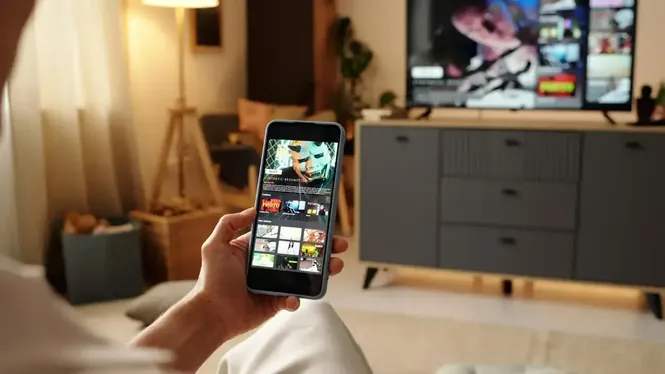
 Article Send Files To TV Beginner Guide for New Users Start using Send Files To TV with this beginner guide covering first setup, device pairing, your first transfer, and the habits that keep sharing simple. Read Article

Send Files To TV
Your copy of the app is prepared on this page. The download works for Android phones, tablets, Android TV, and Google TV, and the file below is the same package our installation guides describe, ready to install in a few minutes.
Rated 4.5/5 By 100,000+ Users
Polishing your download…
6s
Your download is ready
How To Install The APK
- Download the file using the button above and wait for it to finish completely.
- Open your device settings and allow app installs from your browser or file manager.
- Open the downloaded file and confirm the installation when Android asks.
- Launch the app and install it on the receiving device as well, if you have not already.
- Connect both devices to the same WiFi network, open receive mode on the destination, and send your first file.
Before You Install
- Make sure your device has enough free storage for the app and incoming files.
- Install the application on both the sending and receiving devices for device-to-device transfer.
- A stable network connection improves transfer speed and device detection.
App Information
- App Name
- Send Files To TV
- Category
- Tools
- Developer
- Yablio
- Version
- V1.4.22
- Size
- 22.83 MB
- Content Type
- Wireless File Transfer, APK Sharing, Videos, Photos, Documents, and Other Files
- Package Name
- com.yablio.sendfilestotv
- Genre
- Utilities
- Platform
- Android
- Device Support
- Android Phones, Tablets, Android TV, Google TV
- Additional Support
- Smart TV, Firestick, PC
Frequently Asked Questions
The package listed on this page is 22.83 MB in its current version, V1.4.22, in XAPK format. Keep a little extra free space beyond the file size so the installation itself has room to complete.
This page offers version V1.4.22. The version is also shown beside the download button and in the app information table, so you can confirm you are installing the current release.
The application is developed by Yablio. The developer name appears in the app information table on this page and inside the installed app details on your device.
The package name is com.yablio.sendfilestotv. The package name is the unique Android identifier for the app, and it is what your device uses to recognise updates to the same application.
The app supports Android phones, tablets, Android TV, and Google TV devices. Install it on both the sending and the receiving device so the two can find each other on your network.
It is a tools and utilities application for wireless file transfer. It moves APK files, videos, photos, documents, and other files between devices over a local WiFi connection.
The current package is provided in XAPK format, as shown beside the download button. Open it with the installer your device offers for XAPK files and follow the on screen steps.
No. After installation, transfers run over your local WiFi network directly between your devices. An internet connection is only needed to download the file itself.
Download or send the file to the television, open it with a file manager, allow installs from that source if Android asks, and confirm. Then open the app on the TV in receive mode and send files from your phone.
Helpful Guides Before You Start
Article Send Files To TV Beginner Guide for New Users Start using Send Files To TV with this beginner guide covering first setup, device pairing, your first transfer, and the habits that keep sharing simple. Read Article  Article Send Large Files To TV With Send Files To TV Learn how to send large files to your TV reliably, with storage checks, network preparation, and transfer habits that prevent failed deliveries. Read Article
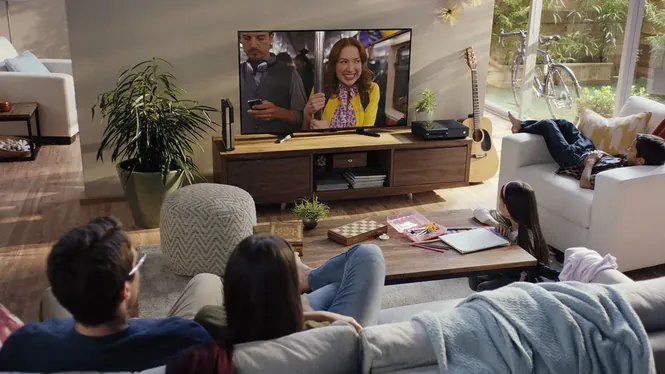 Article Send Videos From Phone To TV The Easy Way Send videos from your phone to your TV without cables. Learn preparation, transfer steps, playback checks, and fixes for common video sharing problems. Read Article